
If we want to create a new tag for any of our members.
It's so simple, we need to open our Transparent Business account and then, go to the "team room" section.
In this section, we need to look for the current employee that we want to tag: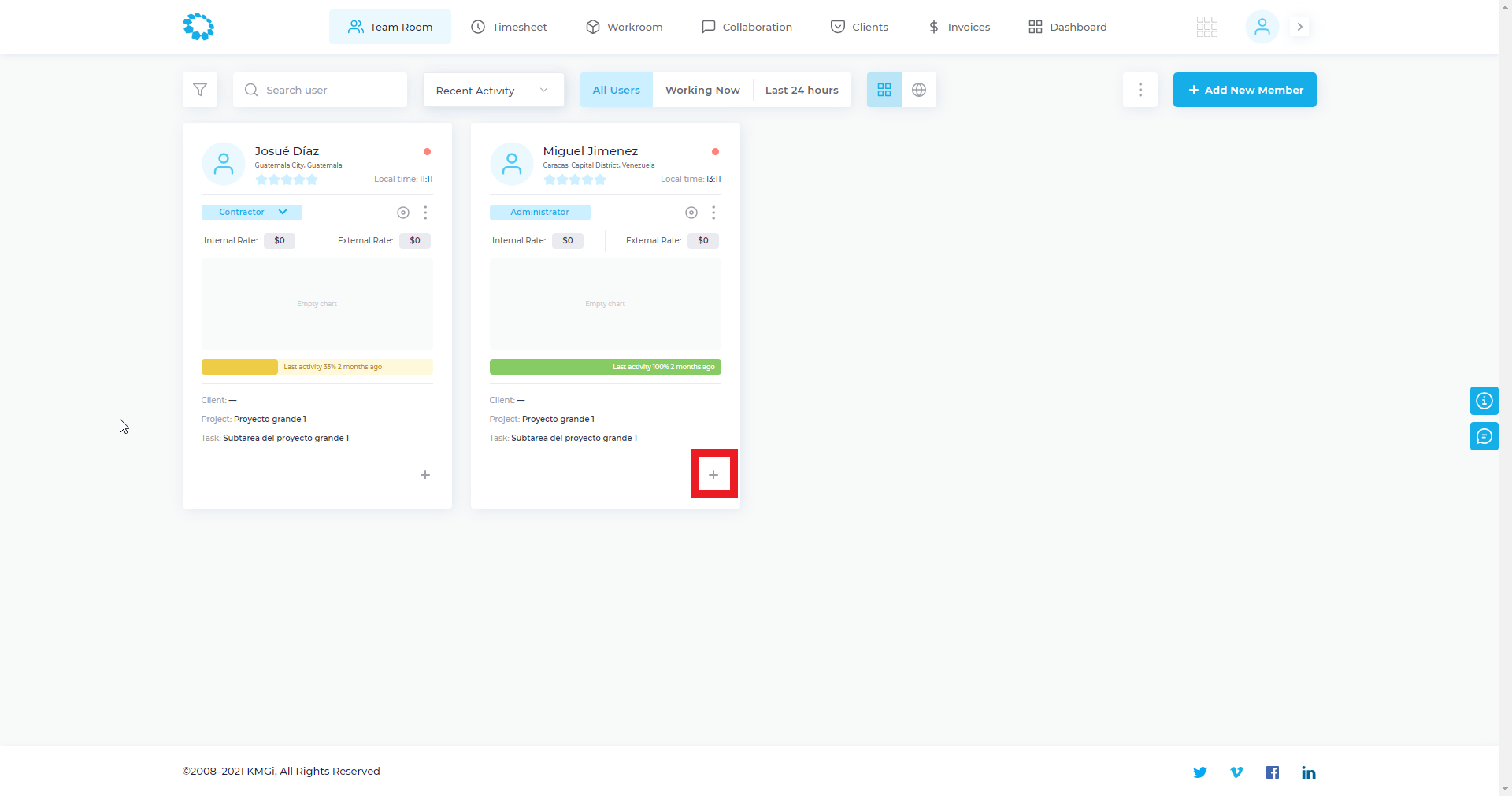
After we click on the " + " symbol, we will see this window:
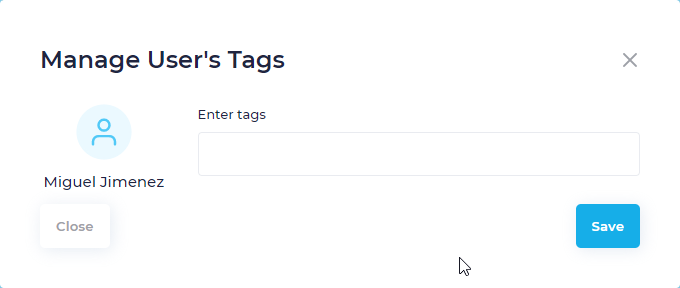
Now we can create a new tag for the employee with the specifications we want.
Also, if you want more information about "what I can do with this tag" we got this other articles that could help you:
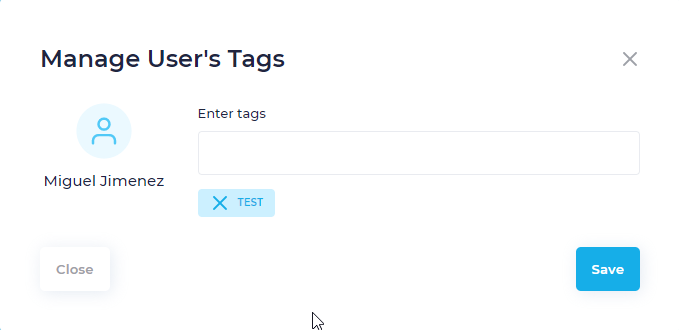
If we want to remove a "tag" that we already create.
It's so simple, we only need to click on the "x" on the left side of the recent tag or any tag.
Comments
0 comments
Please sign in to leave a comment.